Automatic Irrelevant Cluster Detection & New Export Feature ++
Smarter Clustering with Irrelevant Cluster Detection
We improved clustering accuracy to help you focus only on what matters.
Previously, large reports with tens of thousands of keywords often returned clusters unrelated to your site, forcing you to spend hours cleaning lists and removing irrelevant topics.
With this update, your clustering results are now more precise and aligned with your domain from the start, saving you time and manual effort.
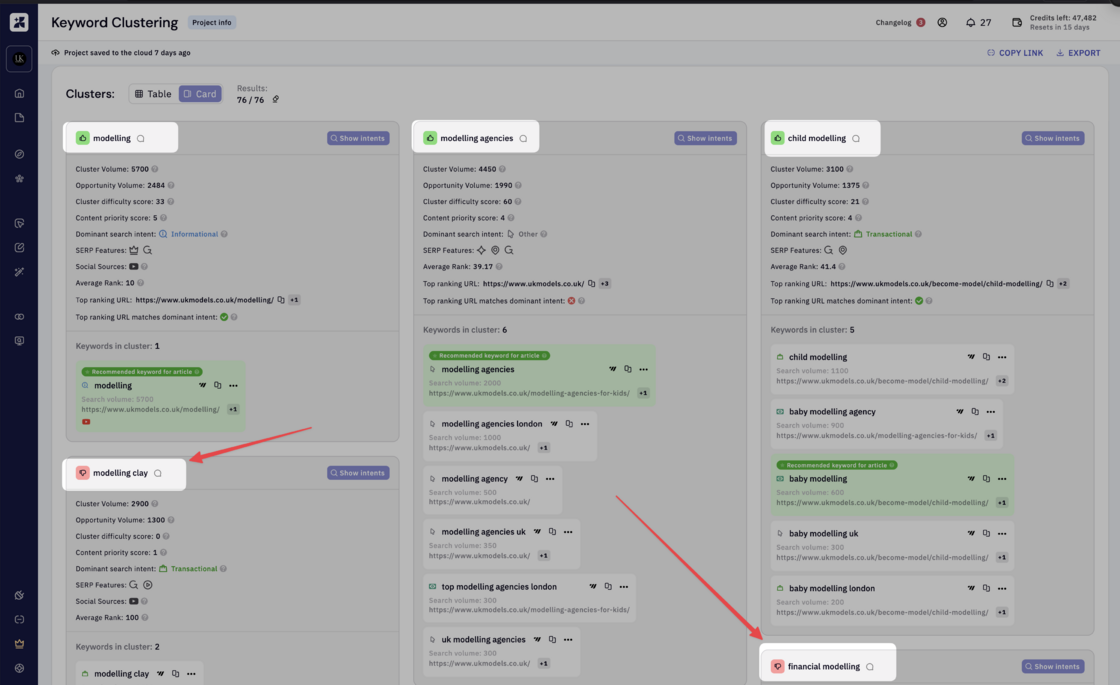
When you run a clustering report, our system now analyses your results using your workspace context to identify and tag irrelevant clusters before you even review them.
In this example you can see “financial modelling” and “modelling clay” are automatically tagged as irrelevant given the workspace is around a “fashion modelling”
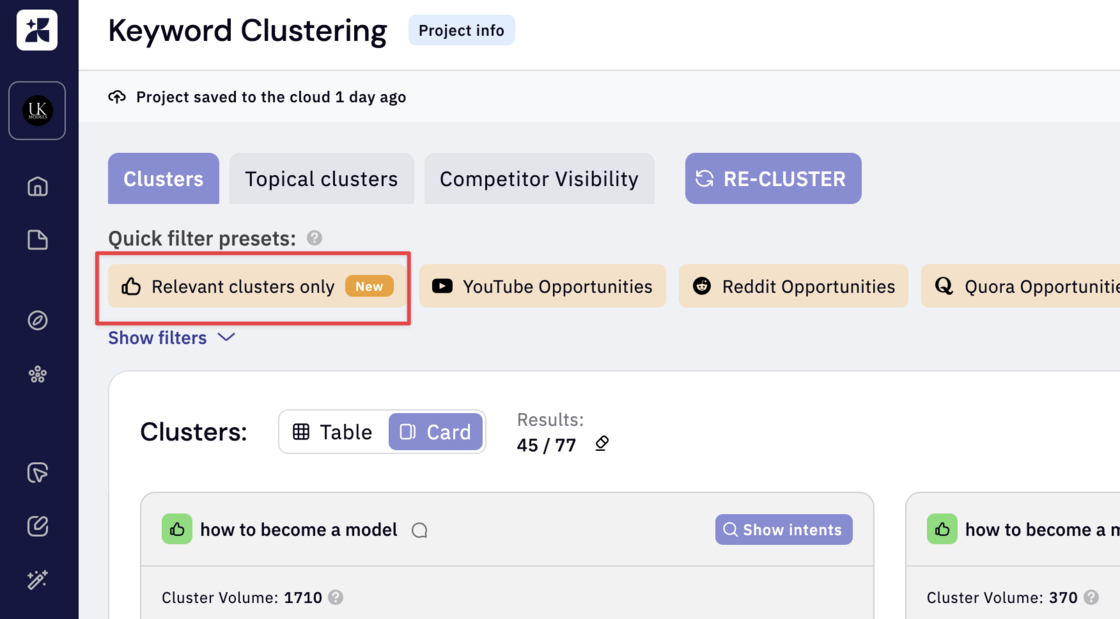
We also added a handy quick filter button here. So you run a clustering, click this button and click export. That’s it.
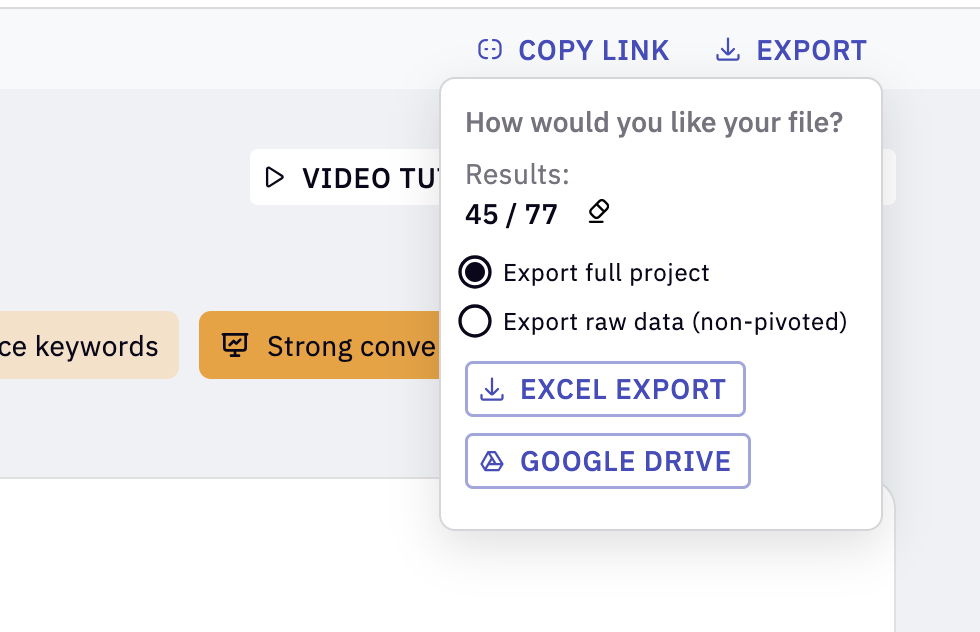
We completely overhauled the export experience to make it faster, cleaner, and more reliable.
As our cluster export sheet grew from 10 to over 40 data columns, our old export system often ran into Google Sheets row limits and struggled with larger reports, especially when pivot tables were involved. We also heard from many of you who preferred raw CSV files for easier integration into your own workflows and scripts.
The new export feature solves all of this, letting you export large datasets smoothly to CSV or Sheets without limitations. It’s faster, more stable, and built for scale.
Now you will see 2 simple export options.
1. Export Full Project – Export all project data, including pivot tables, with or without applied filters. You can choose to download it as a Google Sheet or Excel file.
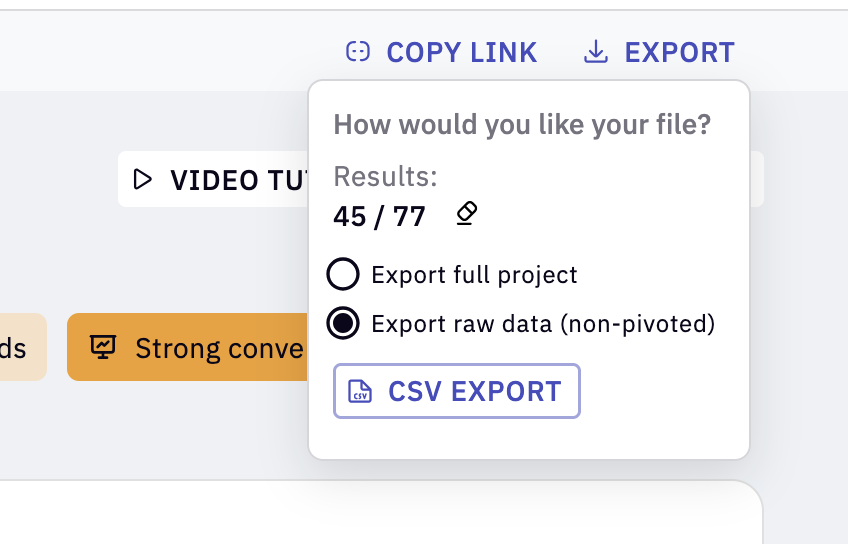
2. Export Raw Data (Non-Pivoted) – Export all project data without pivot tables, with or without applied filters. Selecting this option enables the CSV export button, allowing you to download the complete dataset in raw CSV format directly from our servers.