Folders 📂 - Organize your projects
Introducing Folders
Use folders to organize your project files. It’s perfect for keeping your projects organized.
You can find folders inside projects.
When you create a project, you can select a folder, and your project will be automatically added to the selected folder.
You can quickly delete and move projects around.
Are you working as a team? We’ve got you covered. Create, share and collaborate using Team folders.
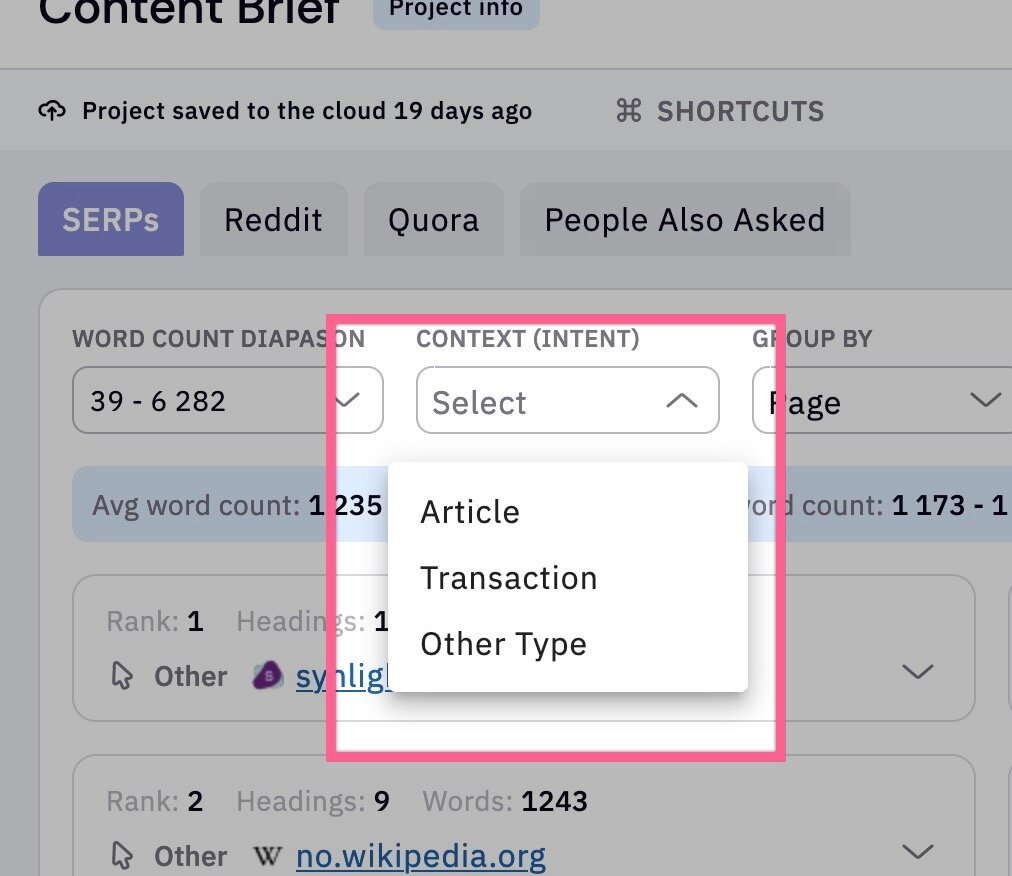
Updated search intent model for Content briefs
We’ve updated the models and the results, so there is a significant speed improvement in the intent classification of the top 20 results used for the briefs module.
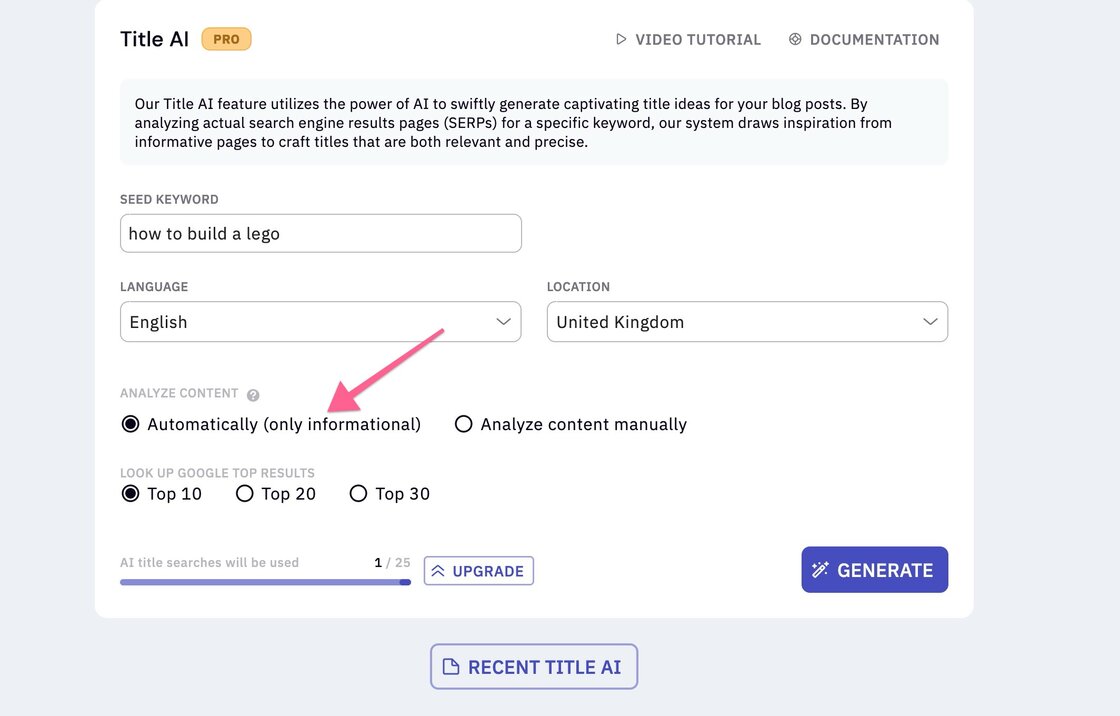
Updated search intent model for Title AI
We’ve updated the models and the results, so there is a significant speed improvement in the intent classification when detecting informational content from the SERPs.
- We fixed a bug with Writer assistant sharing.